
Phone QR Code Generator
Transform Your Phone into a QR Code
Enter number without country code
Design QR Code
Download your QR Code
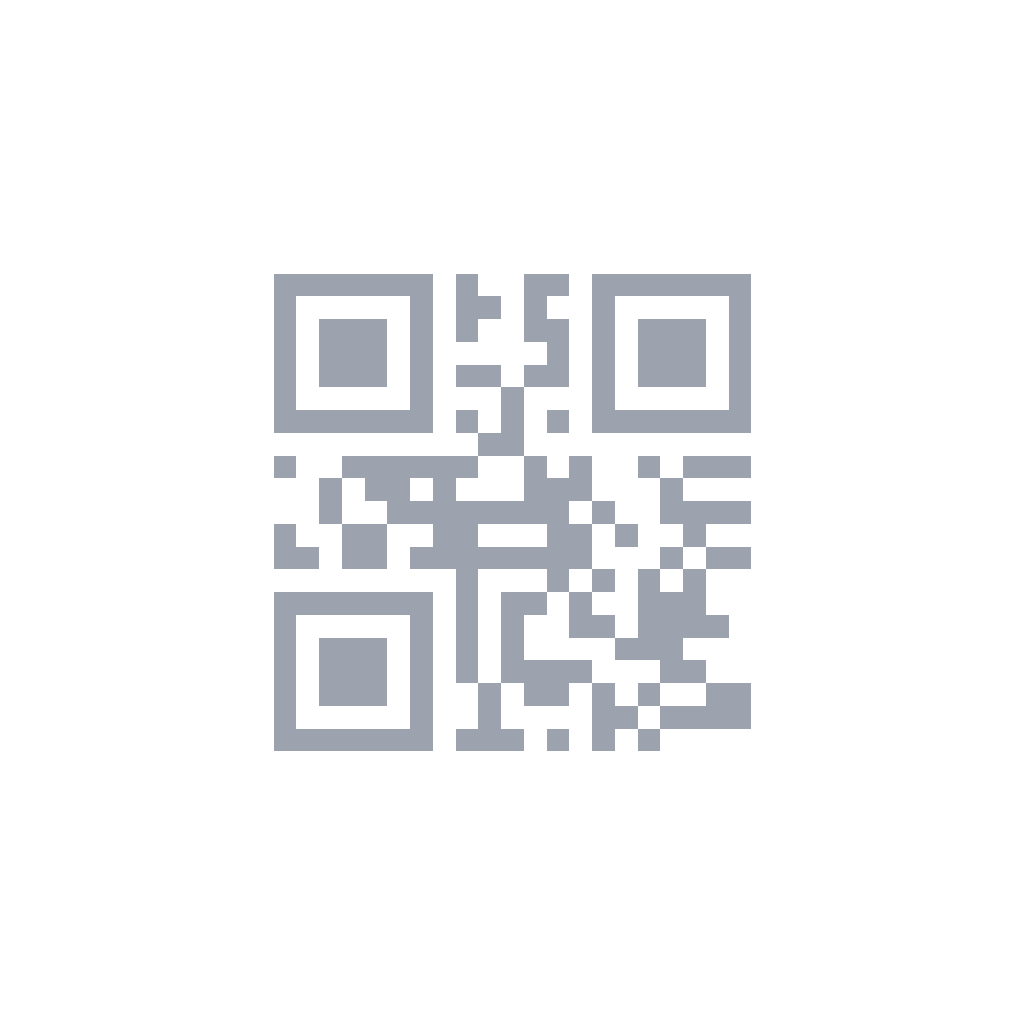
How to Create a Phone QR Code
Enter Phone Number
Type the phone number including country code for international calls.
Customize Design
Pick colors, add a frame, and style the QR code to match your brand.
Download & Share
Print on materials or share digitally so people can call you instantly.
Popular Use Cases
Business Cards
Add a "Call Now" QR code next to your printed phone number so prospects can dial you instantly without typing. This is especially effective for sales representatives, real estate agents, and consultants who rely on phone conversations to close deals. Include your business hours near the QR code to set expectations.
Real Estate Signs
Potential buyers standing in front of a property scan to call the listing agent immediately while their interest is at its peak. A phone QR code on yard signs, window displays, and open house flyers captures hot leads that might otherwise move on to the next listing. Use a dedicated business line to separate personal and work calls.
Restaurant Menus
Link to reservation lines, catering departments, or private event coordinators. A phone QR code on the menu, website, or social media profile lets customers call directly from their table to book a table for a large party or inquire about dietary accommodations. Pre-fill is not needed for phone QR codes — the number opens in the dialer instantly.
Customer Support
Put on product packaging, instruction manuals, and warranty cards for instant helpline access. When customers encounter a problem, they want help immediately. A visible phone QR code eliminates the frustration of searching for a support number online or digging through paperwork. Consider pairing it with an SMS QR code for non-urgent inquiries.
Event Posters
Attendees scan to call the event organizer for ticketing questions, accessibility needs, or last-minute changes. A phone QR code on promotional materials provides a direct communication channel that is faster than email for time-sensitive issues. Include the QR code on both digital and printed versions of the poster.
Vehicle Advertising
Put phone QR codes on company vehicles, delivery trucks, or service vans so people can call while the vehicle is in motion or parked. This turns every drive into a lead generation opportunity. Use a memorable phone number and ensure the QR code is large enough to scan from a reasonable distance on the road.
Frequently Asked Questions
Does a phone QR code dial the number automatically?+
Should I include the country code in the phone number?+
Can I use a phone QR code for WhatsApp Business?+
What happens if the phone number is busy or unavailable?+
Are phone QR codes safe to share publicly?+
Best Practices for Phone QR Codes
Use International Format
Always write the number in E.164 format: + followed by country code, area code, and local number without spaces or special characters. For example: +14155552671. This ensures the number dials correctly regardless of where the scanner is located or which carrier they use.
Add a Call-to-Action Label
Place text near the QR code that tells users what will happen. Examples: "Scan to Call Now," "24/7 Support Hotline," or "Call for a Free Quote." A clear CTA increases scan rates by removing uncertainty about the outcome.
Test on Both iPhone and Android
Before printing, scan the QR code with both platforms to verify the number opens correctly in the dialer. Some Android devices handle tel: URLs differently than iOS. Also test with the phone in airplane mode to confirm the number displays properly even without a network connection.
Provide Alternative Contact Methods
Not everyone wants to make a phone call. Consider pairing your phone QR code with an SMS QR code or email QR code on the same material. This accommodates different communication preferences and increases your overall response rate.
Common Mistakes to Avoid
- 1.Omitting the country code, causing dialing failures for international scanners.
- 2.Using spaces, dashes, or parentheses in the number, which some devices cannot parse.
- 3.Using a personal mobile number on public materials instead of a dedicated business line.
- 4.Making the QR code too small on vehicle wraps or outdoor signs where scanning distance is large.
- 5.Not providing business hours, leading to frustrated callers dialing outside operating hours.
Not Sure Which QR Code to Use?
Phone QR Code
Best for urgent situations where a voice conversation is needed — real estate inquiries, customer support hotlines, and event coordination. The dialer opens instantly with the number pre-filled. Ideal when the caller needs immediate answers that texting cannot provide.
SMS QR Code
Better for simple, structured requests like opt-ins, reservations, and check-ins. The recipient sends a pre-filled text, creating a written record. SMS is less intrusive than a call and works well when the sender prefers async communication.
vCard QR Code
Choose this when networking and relationship building are the goals. Unlike a phone QR code that only dials, a vCard saves complete contact details to the address book. Essential for business cards, conferences, and any situation where ongoing contact is expected.
Need help deciding? Check our FAQ or try the tool that matches your goal above.