
SMS QR Code Generator
Transform Your Sms into a QR Code
Enter number without country code
Design QR Code
Download your QR Code
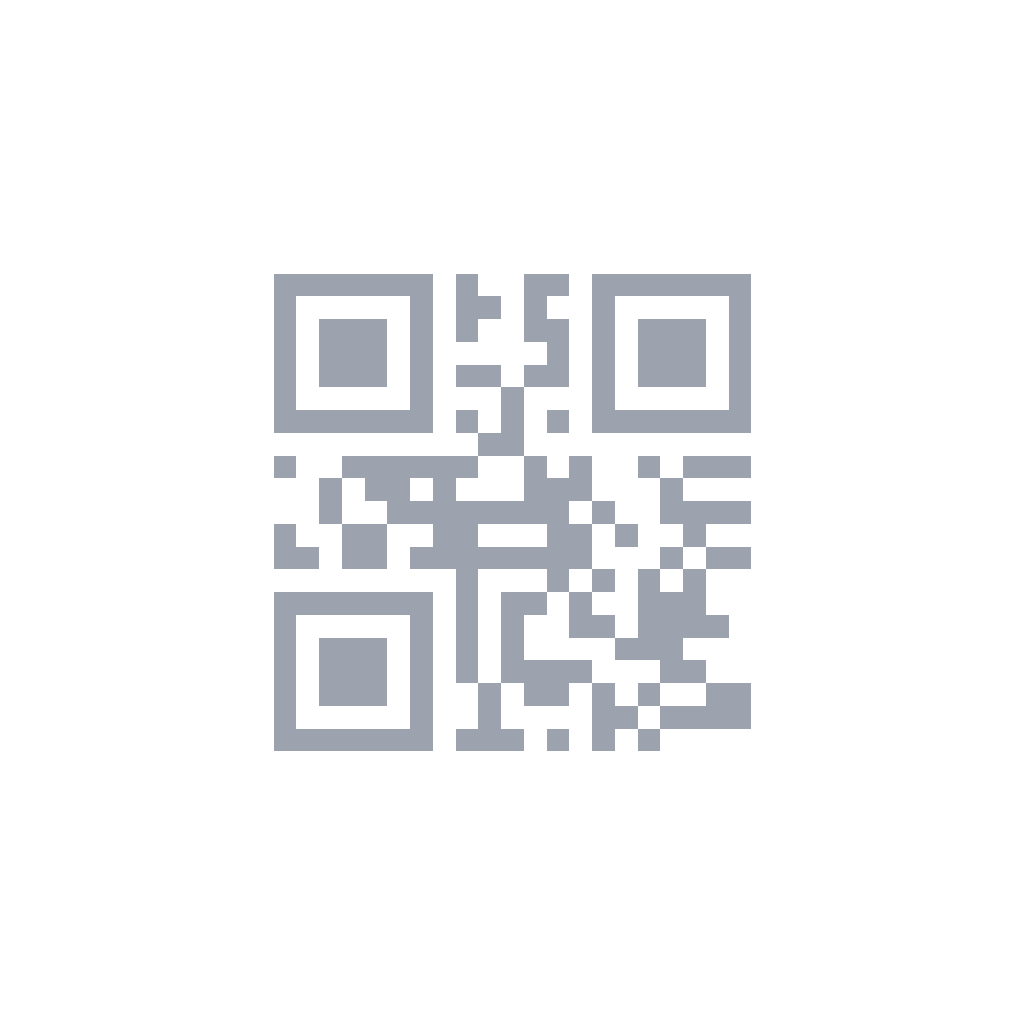
How to Create an SMS QR Code
Enter Phone & Message
Type the recipient number and pre-fill the message text.
Customize Design
Style the QR code with your brand colors and a frame.
Download & Share
Print on flyers, packaging, or display digitally.
Popular Use Cases
SMS Opt-ins
Customers scan to join your SMS marketing list with a pre-filled message like "SUBSCRIBE" or "JOIN." This is fully compliant with opt-in regulations because the user actively sends the text from their own device. Use the keyword to trigger an auto-reply confirming their subscription and providing an opt-out method.
Event Check-ins
Attendees scan to send a pre-filled "Check in" text with their name and ticket number, automatically registering their arrival. This eliminates check-in lines and physical ticket handling. The event organizer receives a timestamped SMS log that can be cross-referenced with the attendee list for accurate headcount and contact tracing.
Customer Support
Put SMS QR codes on product packaging, receipts, and warranty cards for instant text-based support. Many customers prefer texting over calling because it allows them to describe issues at their own pace and attach photos. Pre-fill the message with the product model number to speed up troubleshooting.
Feedback Collection
Customers scan to send a pre-filled feedback message with a rating scale and open-ended comment field. SMS feedback has higher completion rates than email surveys because it requires less effort. Set up an auto-reply thanking customers for their input and offering a discount code as an incentive for future purchases.
Restaurant Reservations
Patrons scan to text a table reservation request with their preferred date, time, and party size pre-filled in the message body. This reduces phone call volume during peak hours and allows staff to respond asynchronously. The SMS creates a written record of the reservation that reduces no-shows and miscommunication.
Delivery Services
Customers scan to text their delivery address, apartment number, or gate code to the driver. This is especially useful for apartment complexes, office buildings, and gated communities where location details are hard to convey through a map pin. The driver has the exact instructions in writing, reducing failed delivery attempts.
Frequently Asked Questions
Does the SMS send automatically when scanned?+
Which messaging apps support SMS QR codes?+
Can I include emojis in the pre-filled message?+
Is there a cost for the person scanning the QR code?+
Can I receive MMS (picture messages) via SMS QR code?+
Best Practices for SMS QR Codes
Keep Messages Short and Actionable
Pre-fill messages that are easy to send with one tap. Examples: "Yes, I want to subscribe to updates" or "Table for 4 at 7 PM." Long messages require editing, which reduces completion rates. Under 100 characters is ideal for maximum conversion.
Include a Keyword for Auto-Sorting
Start your pre-filled message with a unique keyword like "QUOTE" or "RESERVE" so you can set up automatic filtering in your messaging app. This helps you identify and prioritize incoming messages without manually reading each one.
Use a Dedicated Business Number
Set up a separate phone line for SMS inquiries rather than using your personal mobile number. This keeps work and personal messages separate, allows multiple team members to access responses, and presents a more professional image to customers.
Set Clear Response Expectations
Tell customers when they can expect a reply. Add text near the QR code like "We respond within 2 hours during business hours" or "Text us 24/7 — we reply Mon-Fri 9-5." This reduces anxiety and prevents duplicate messages from impatient customers.
Common Mistakes to Avoid
- 1.Writing overly long pre-filled messages that users must edit before sending.
- 2.Forgetting that standard SMS rates apply to the person scanning the code.
- 3.Using personal phone numbers instead of a dedicated business SMS line.
- 4.Not setting up auto-replies, leaving customers wondering if their message was received.
- 5.Assuming all QR scanners support SMS — test with multiple apps before printing.
Not Sure Which QR Code to Use?
SMS QR Code
Perfect for quick, action-oriented interactions like marketing opt-ins, event check-ins, and simple requests. The pre-filled message ensures you receive consistent, structured information. SMS is universally supported and does not require app installation.
WhatsApp QR Code
Better for ongoing conversations where multimedia sharing is needed. WhatsApp supports photos, documents, voice notes, and real-time chat. Use when you expect back-and-forth communication rather than a single text message.
Email QR Code
Choose this for formal, detailed communication where the sender may need to attach files or write a lengthy message. Email creates a searchable archive and is preferred for business inquiries, feedback, and RSVPs that require thoughtful responses.
Need help deciding? Check our FAQ or try the tool that matches your goal above.