How QR Codes Work: The Math and Structure Behind the Pattern
A deep dive into the inner mechanics of QR codes. Learn about position detection patterns, Reed-Solomon error correction, masking, and why your phone can read a code even when it is partially damaged.
To the naked eye, a QR code looks like a random scattering of black and white squares. But every single pixel — every module, as engineers call them — is placed with mathematical precision. Understanding how QR codes are structured helps explain why they are so reliable, why they can store so much data, and why a scratched or partially obscured code often still scans perfectly.
The Three Finder Patterns
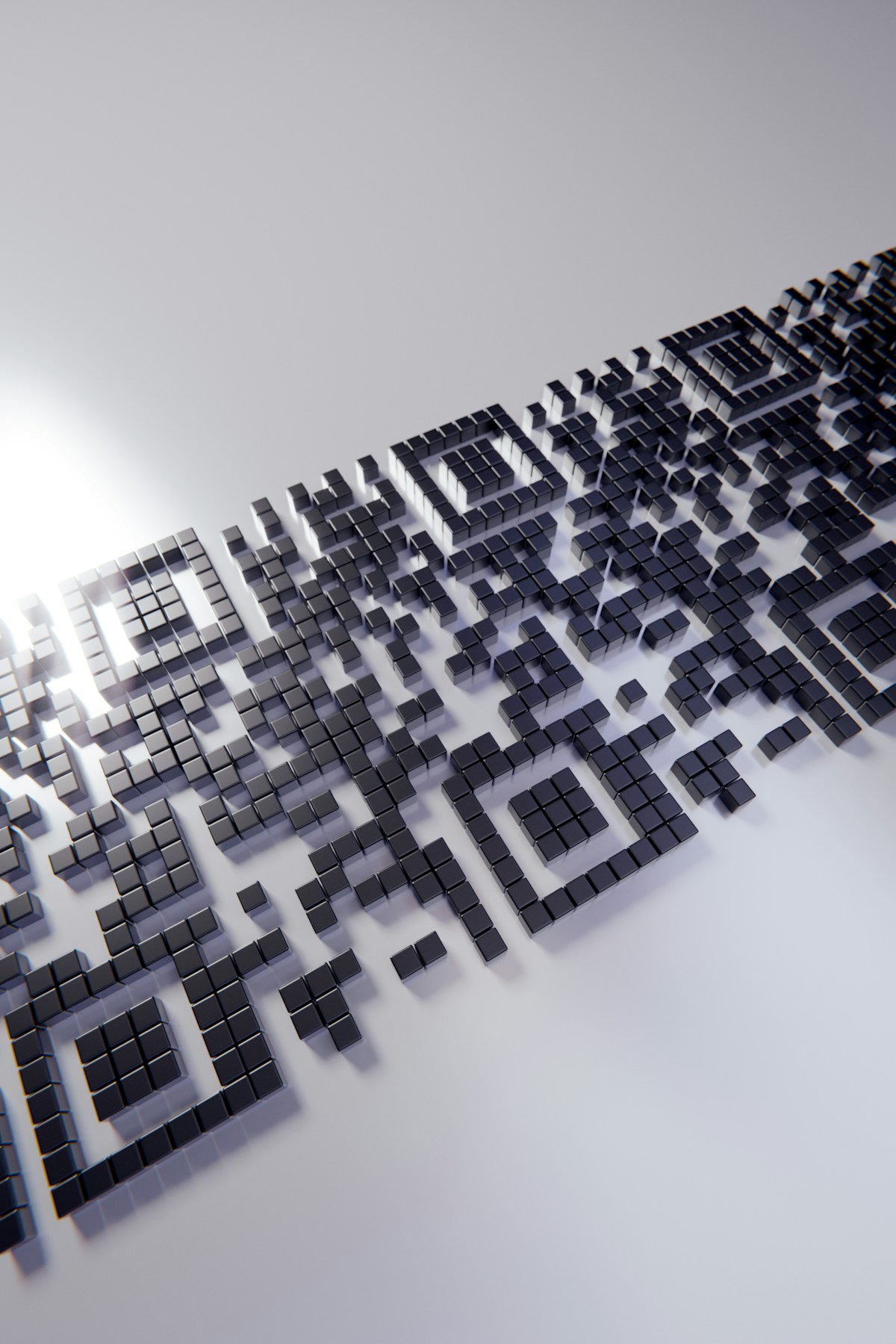
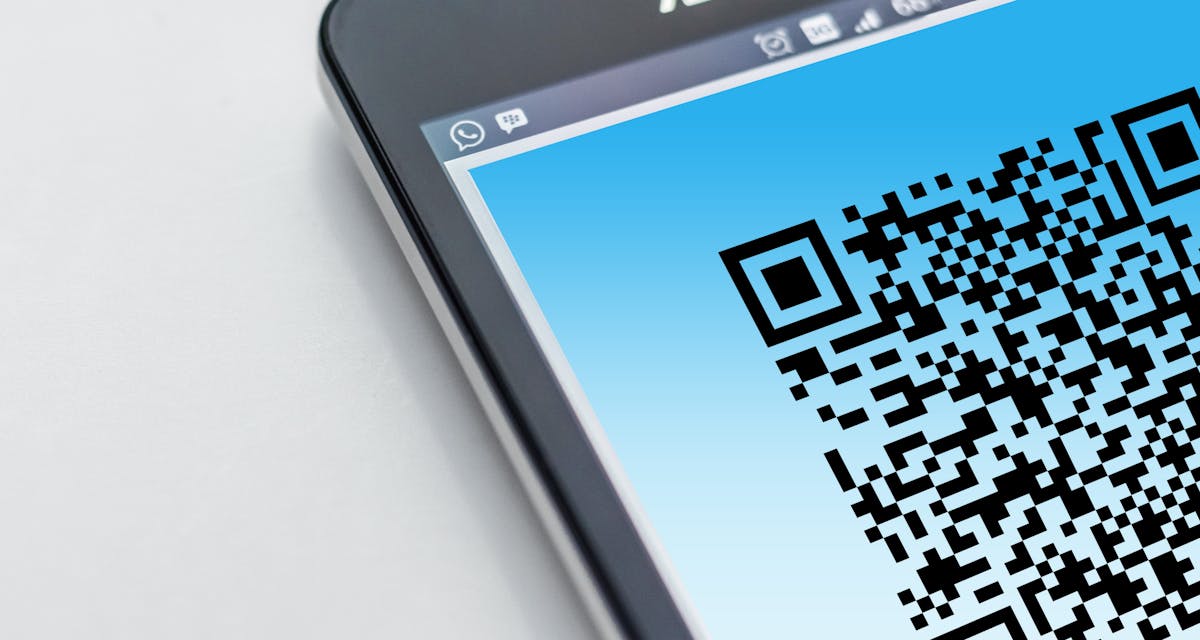
The most recognizable feature of any QR code is the three large squares located in the top-left, top-right, and bottom-left corners. These are called finder patterns, and they are the QR code’s GPS system. No matter how you rotate or tilt the code, these three squares tell the scanner exactly where the code is and which way is up.
Each finder pattern is a 7x7 module square with a specific ratio: a 3x3 black square at the center, surrounded by a one-module white border, surrounded by a one-module black border. This 1:1:3:1:1 ratio is unique to QR codes and allows scanners to distinguish them from other visual noise in the camera frame. When your phone camera sees this ratio in three corners, it instantly knows: "This is a QR code."
Timing Patterns and Alignment
Between the finder patterns, QR codes contain timing patterns — alternating black and white modules that run horizontally and vertically. These serve as a ruler, telling the scanner exactly how large each individual module is. This is essential because QR codes can be printed at any physical size, from a few millimeters on a business card to several meters on a billboard. The timing pattern allows the scanner to calibrate itself to the code’s scale.
Larger QR codes also include smaller alignment patterns — additional square markers scattered throughout the matrix. These help the scanner correct for perspective distortion. If you photograph a QR code at an angle, the alignment patterns allow the software to mathematically "flatten" the image back into a perfect square before decoding. This is why QR codes work when photographed from the side, unlike traditional barcodes.
How Data Is Actually Encoded
Once the scanner has located and oriented the QR code, it begins reading the data modules — the seemingly random black and white squares in the middle. But these are not random at all. The data is encoded in binary: black modules represent 1s, white modules represent 0s. The encoding follows a specific path that zigzags upward through the matrix in columns.
QR codes support four encoding modes: numeric (for numbers only), alphanumeric (for numbers, uppercase letters, and a few symbols), byte (for full ASCII/UTF-8 text including URLs), and Kanji (for Japanese characters). The encoder automatically selects the most efficient mode for your content. A string of digits will use numeric mode and fit into a smaller QR code than the same length of mixed text, because numeric mode packs 3.3 bits of data into every module.
- Numeric mode: stores 7,089 characters (digits only) — most efficient.
- Alphanumeric mode: stores 4,296 characters (A-Z, 0-9, and symbols) — good for URLs.
- Byte mode: stores 2,953 characters (full UTF-8) — needed for WiFi passwords and Unicode.
- Kanji mode: stores 1,817 characters — optimized for Japanese and Chinese text.
Error Correction: The Secret Weapon
Perhaps the most impressive feature of QR codes is their built-in error correction, powered by Reed-Solomon codes — the same mathematical technique used in CDs, DVDs, and satellite communications. Reed-Solomon error correction works by adding redundant data to the message. Think of it as insurance: you send more information than strictly necessary, and if part of it gets lost or damaged, the remaining data is enough to reconstruct the original message perfectly.
QR codes offer four levels of error correction, labeled L, M, Q, and H. Level L can recover from 7% damage, Level M from 15%, Level Q from 25%, and Level H from 30%. Most QR generators default to Level M, which provides a good balance between data capacity and resilience. If you plan to place a logo over the center of your QR code, you should use Level H error correction, because the logo effectively "damages" the code by covering some modules.
Masking: Why QR Codes Never Look Identical
After the data and error correction modules are placed, the QR code applies a mask pattern. Masking is a bitwise XOR operation that flips certain modules according to a predefined pattern. The purpose is to break up large uniform areas — like a solid block of black or white modules — that could confuse scanners. A QR code with too many consecutive identical modules might be mistaken for a finder pattern or timing pattern.
There are eight standard mask patterns defined by the QR specification. The encoder tries all eight and selects the one that produces the most balanced result — the fewest problematic features. This is why two QR codes containing the exact same URL can look completely different. The data is the same, but the mask pattern has been optimized differently for each version and error correction level.
QR Code Versions: Not All Codes Are Equal
QR codes come in 40 standardized versions, numbered 1 through 40. Version 1 is the smallest, a 21x21 module grid. Each subsequent version adds 4 modules per side. Version 40 is a massive 177x177 grid capable of storing thousands of characters. Most consumer QR codes you encounter are Versions 1 through 5, because the URLs and contact cards we typically encode are short enough to fit comfortably in smaller grids.
The version is not explicitly labeled anywhere in the code. Instead, the scanner determines the version by measuring the total size of the grid and comparing it to the timing pattern. Once the scanner knows the version, it knows exactly how much data to expect and where the alignment patterns should be located. This self-describing structure is what makes QR codes so reliable across different sizes and contexts.
This self-describing structure — version, format, error correction level, and mask pattern all detectable from the image itself — is what allows QR codes to work reliably across any size, medium, or scanning device without external metadata or configuration.
Understanding the inner mechanics of QR codes reveals why they have become the dominant 2D barcode format. The combination of finder patterns for instant detection, timing patterns for scale calibration, Reed-Solomon error correction for resilience, and masking for scanner safety creates a technology that is both simple to use and extraordinarily reliable. The next time your phone scans a QR code in under a second, remember that an entire mathematical toolkit is working behind the scenes to make that instant recognition possible.